Introduction
MotionGen is a web-based mechanism simulation and synthesis software. The software is designed to scale to the needs of elementary to college students and industry professionals. It is part of the SnappyXO Design ecosystem, which also includes a hardware kit for physical prototyping of mechanisms and robots as well as age-and grade-appropriate curriculum.
- It can simulate N-bar, one or multi-degrees of freedom planar mechanisms consisting of revolute or prismatic joints.
- It is the world's first synthesis software, which brings together machine learning and kinematics for path synthesis and uses a modern computational algorithm for simultaneous type and dimensional synthesis for motion generation (N-position) problems.
- It is backed by many years of academic research in the Mechanisms and Robotics area and covered extensively in peer-reviewed research publications.
- MotionGen also allows students to design and build highly customized robot parts compatible with the SnappyXO Design hardware.
- Elementary students use a special sandbox environment to learn designing mechanisms, which allows them to appreciate interplay between geometry and motion and helps build them critical spatial visualization skills, while college students have unlimited flexibility in creating their own designs for laser-cutting or 3D printing.
- Students' creativity and ingenuity have inspired us to create MotionGen.
History
MotionGen began its journey as an iOS app developed in 2010 in the Computer-Aided Design Innovation Lab at Stony Brook University. The app is still available for free on the app stores (search for MotionGen). For a while, it appeared as a desktop application named 4MDS for Windows until it was realized that the web was the way to go.
Shop SnappyXO Kits
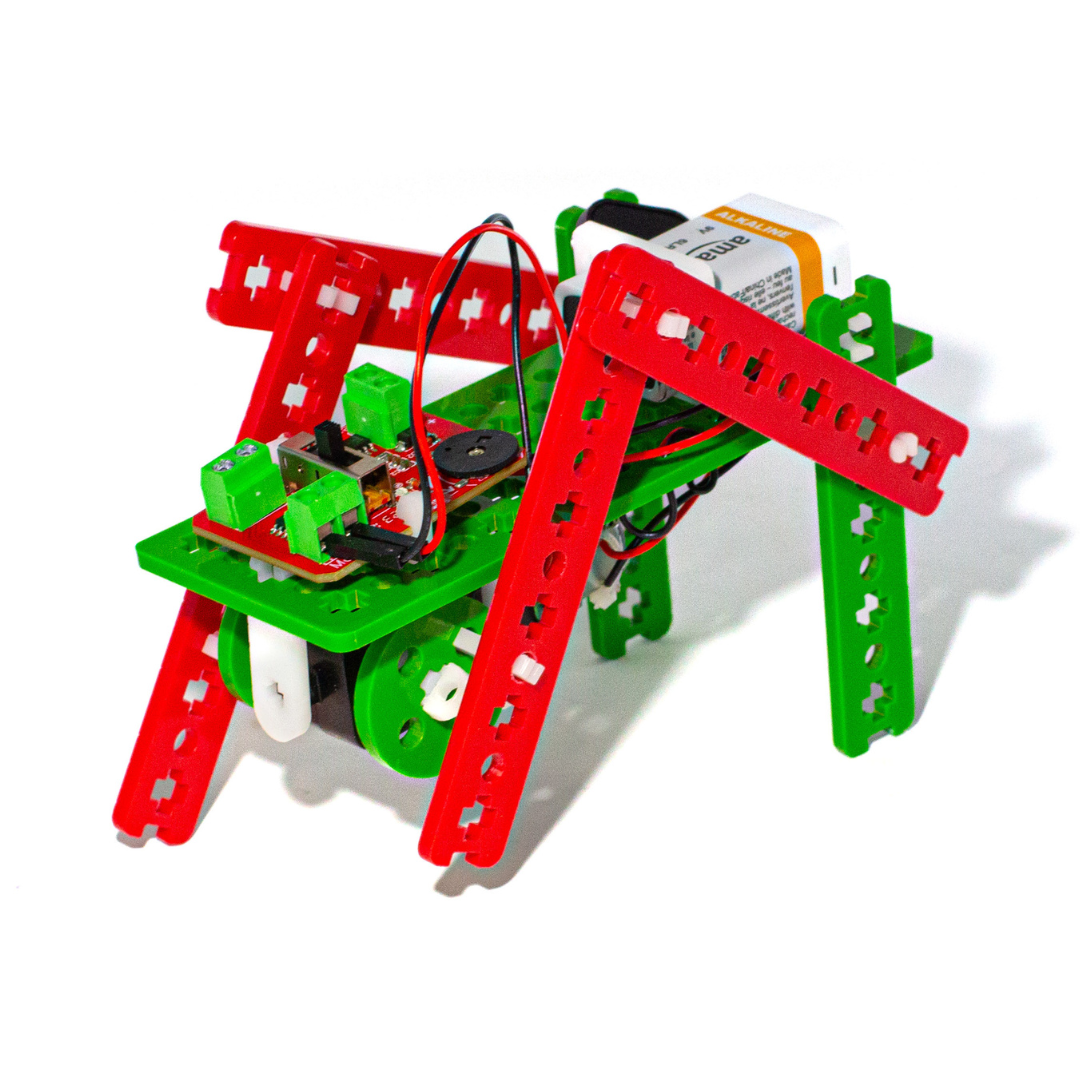
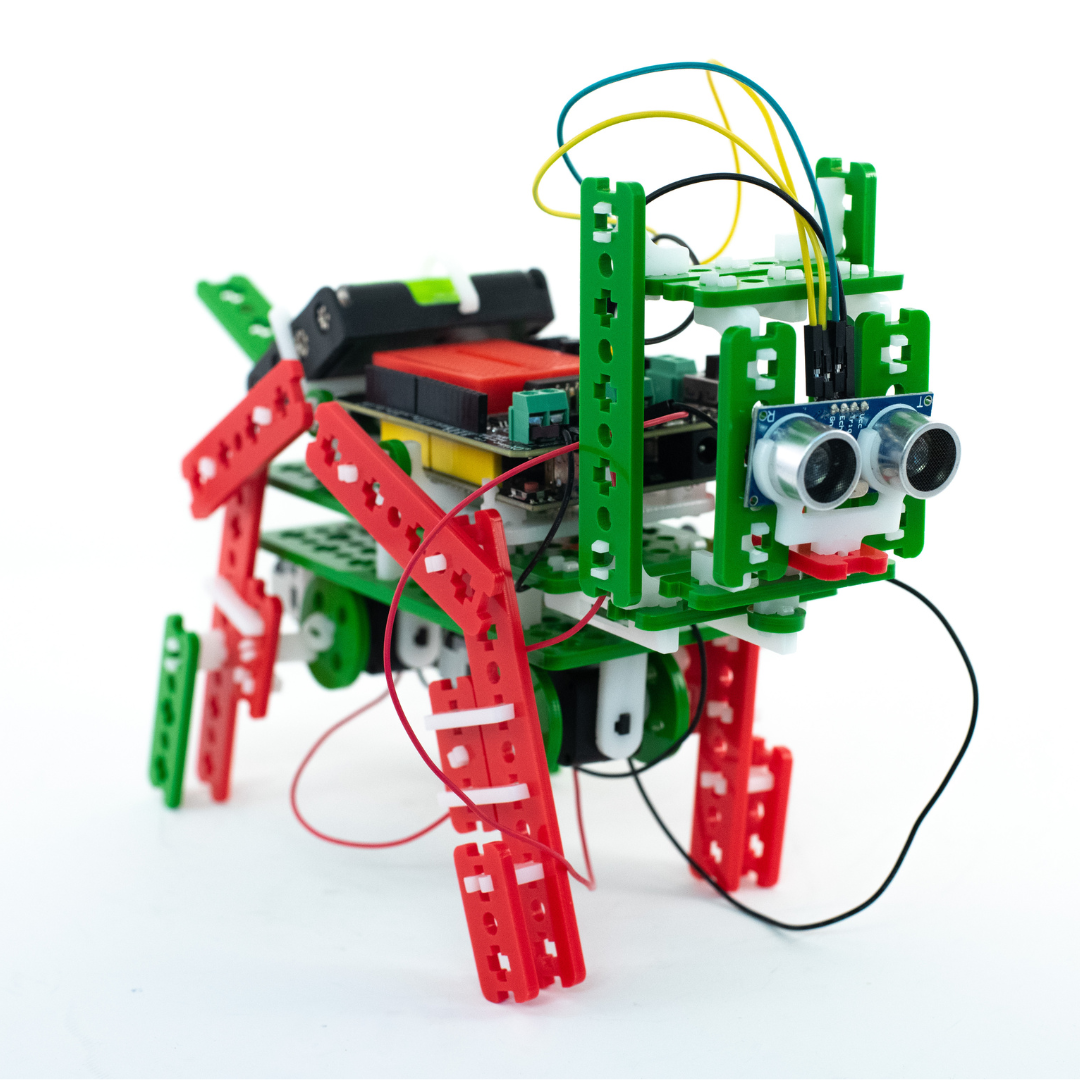
Another Mechanismic creation accompanying MotionGen is the SnappyXO robotics kits. You can visit snappyxo.com and learn more about the SnappyXO kits.
Some of the projects that can be built with the SnappyXO kits are shown below. Instructions for projects are available at snappyxo.io.