View Modes
The interface has a separate section for different view modes. Each view mode has its own significance and can help you visualize the mechanism in different ways.
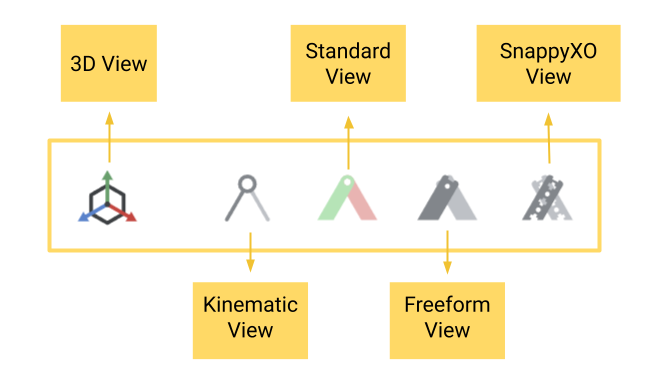
The View Modes Interface
3D View
This beta view mode lets you visualize your mechanism in 3D. The pivot connections are made using small rods and spacers only for illustration. They are not meant for exact assembly. This could change in future, so watch out this space for new developments.
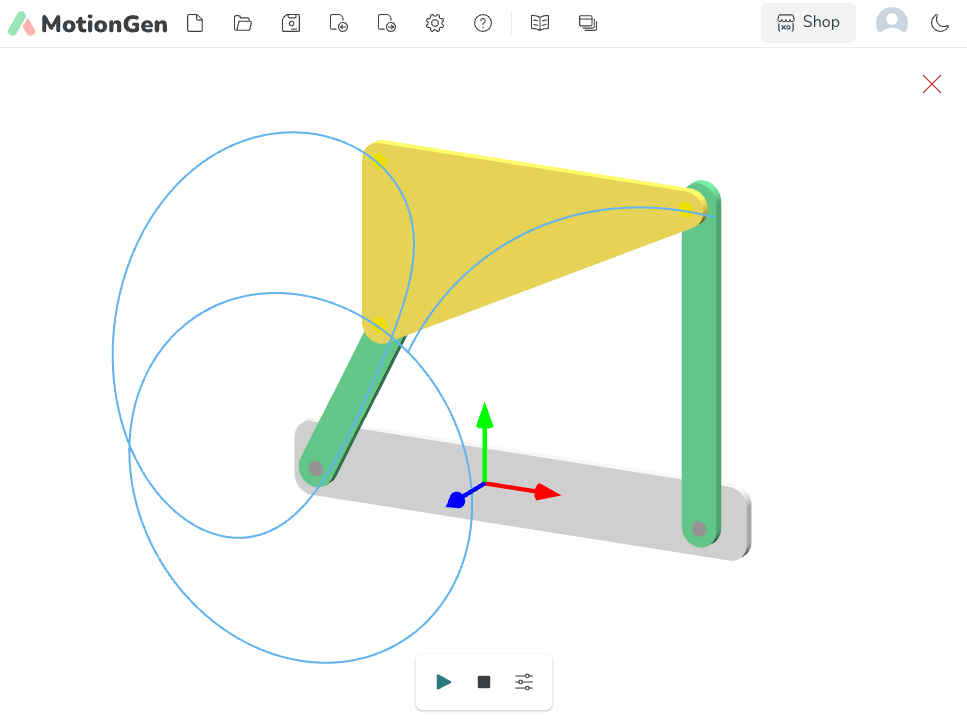
3D View of a Four-Bar Mechanism
Kinematic View
In the Kinematic view, links are drawn as lines and a skeletal model of the mechanism is seen. Generally, this is the view that most engineers and advanced students are familiar with.
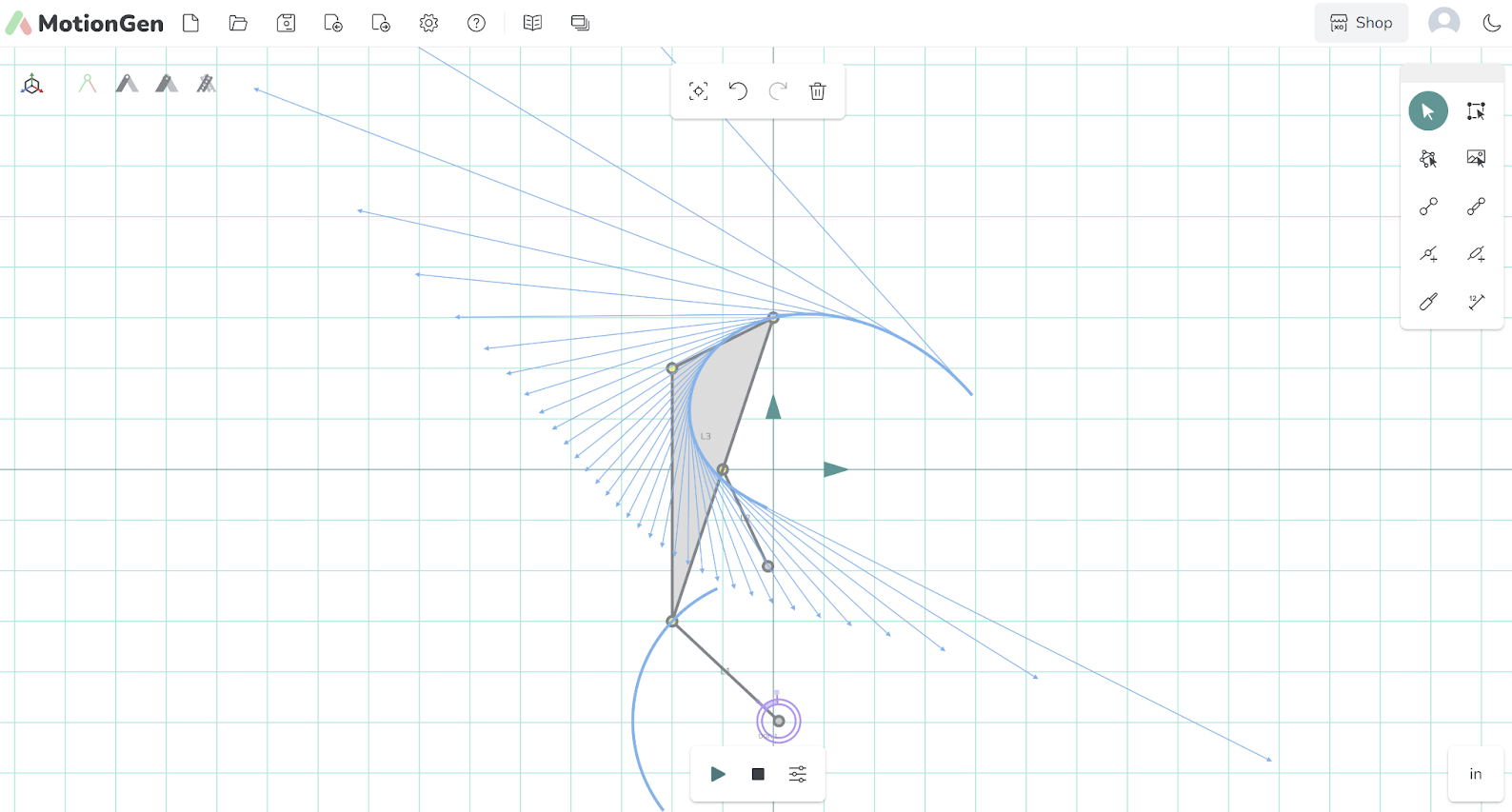
Kinematic View of a Film Advancing Four-Bar Mechanism
Standard View
This view mode is the default view mode and is one with shaded, shaped, and often colored links to easily distinguish between links.
Standard View of a Film Advancing Four-Bar Mechanism
Freeform View
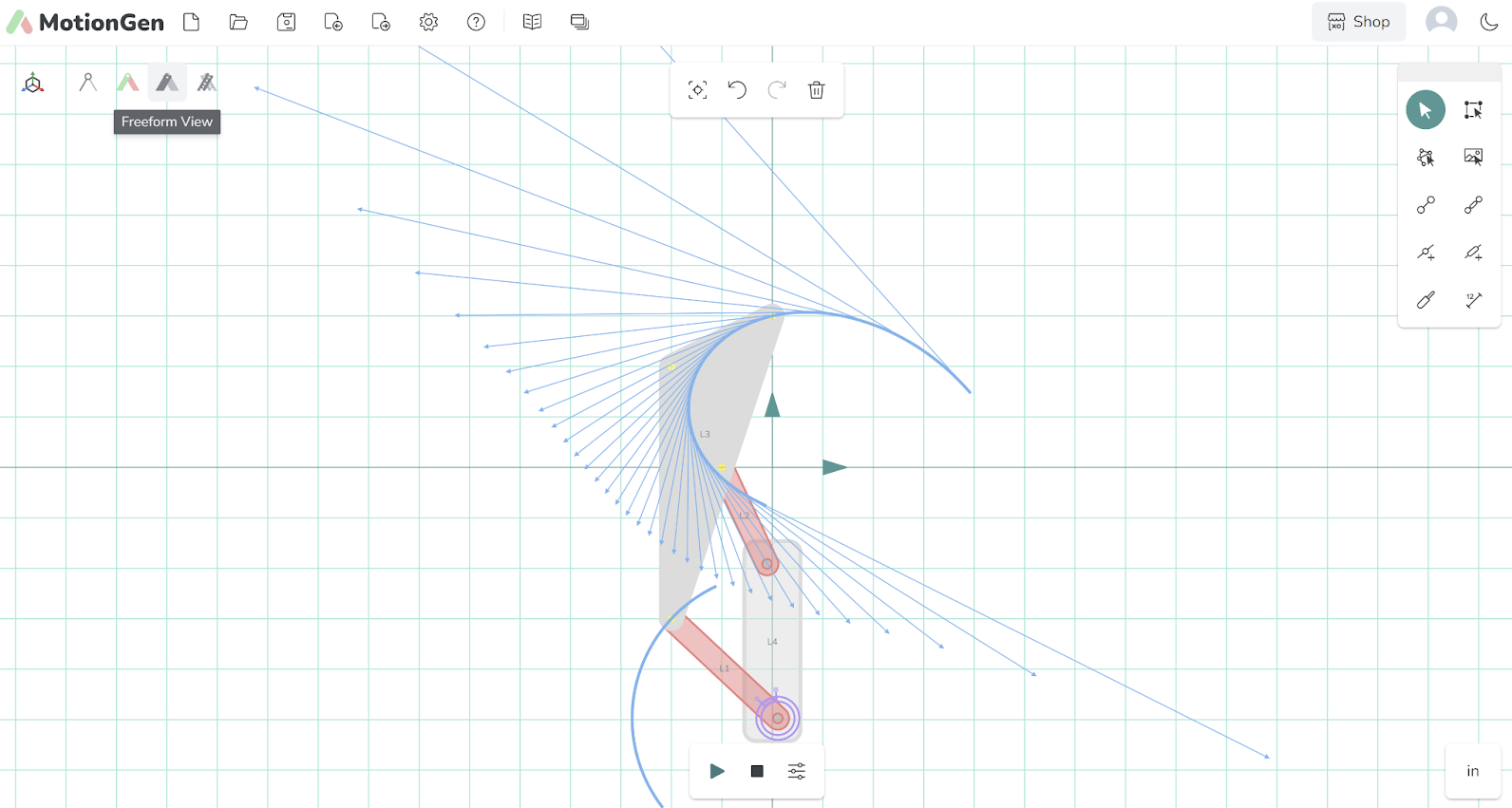
This view mode allows you to see links with the same geometry as the beams in the SnappyXO Hardware kits.
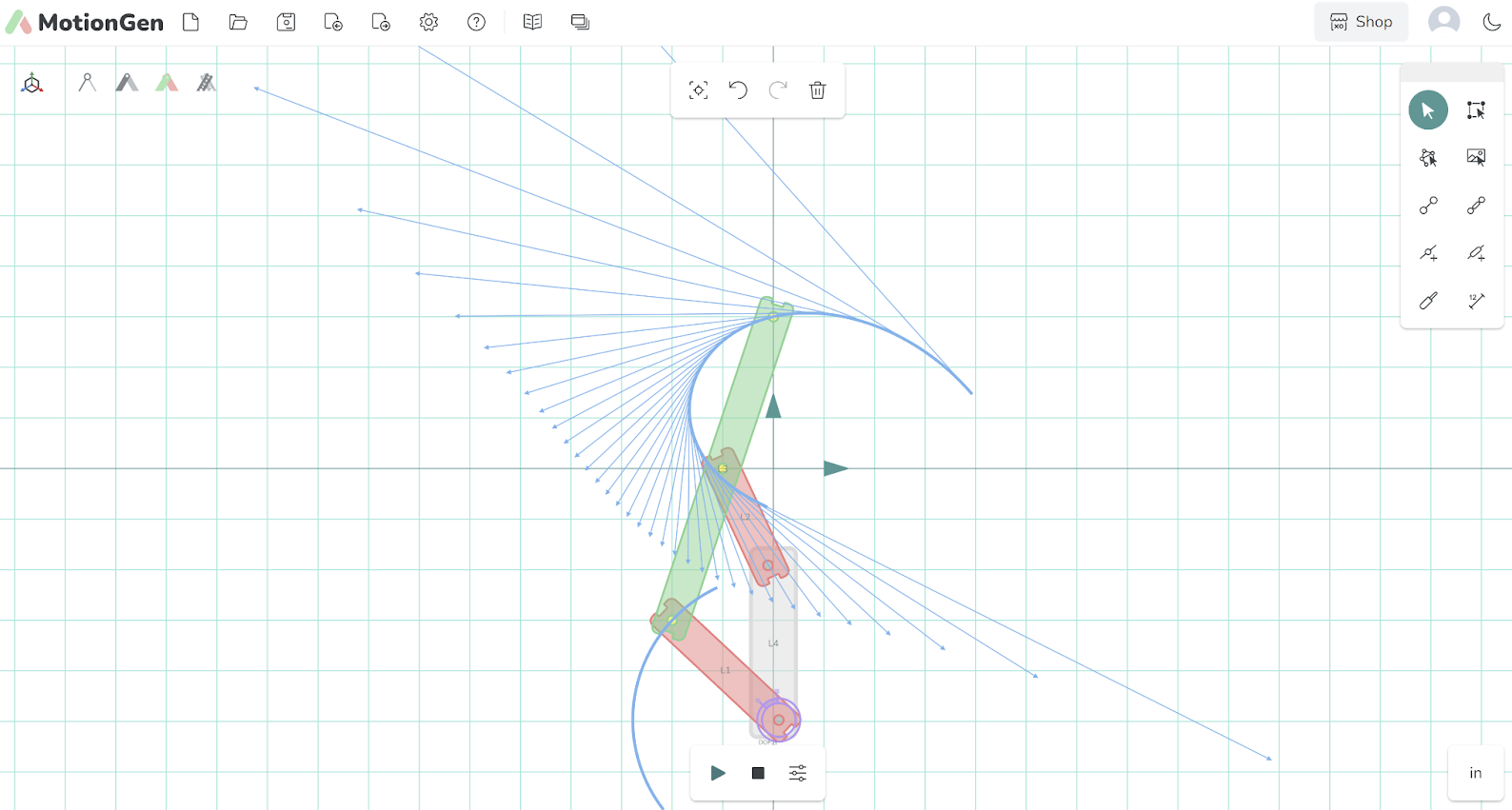
Freeform View of a Film Advancing Four-Bar Mechanism
SnappyXO View
The SnappyXO view mode is created for younger children to help them visualize assembly of mechanisms using standard SnappyXO hardware parts; however, that does not mean that grown ups can’t have a bit of fun in this view.
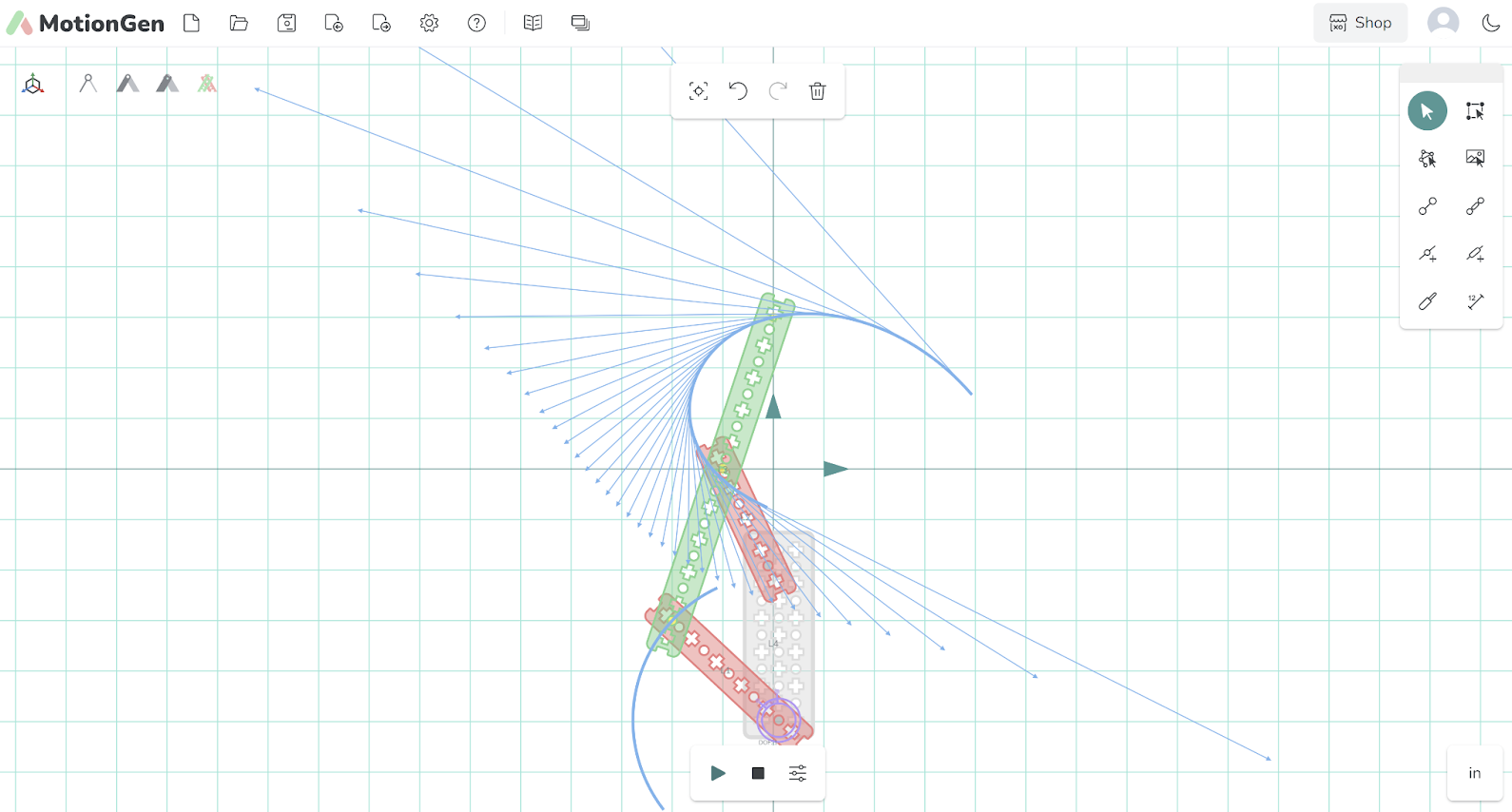
Snappyxo View of a Film Advancing Four-Bar Mechanism