Path Synthesis
So far you’ve learned how to model known mechanisms to produce a coupler curve but what if you want to reverse the process? That is, given a curve as a set of path points, how to generate mechanism design concepts to create that curve approximately?
MotionGen has a panel specifically designated to do so. Open the Path Synthesis panel from the File menu.
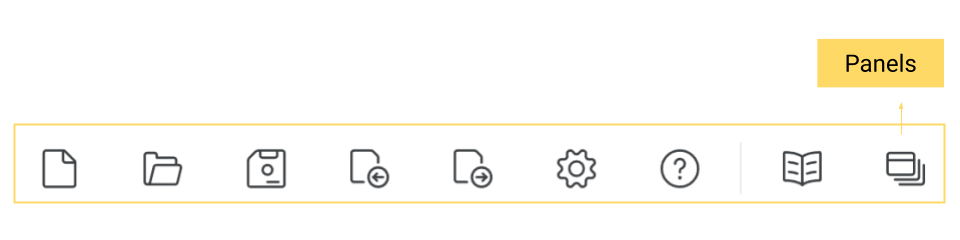
Next, you will see the following panel on your main interface.
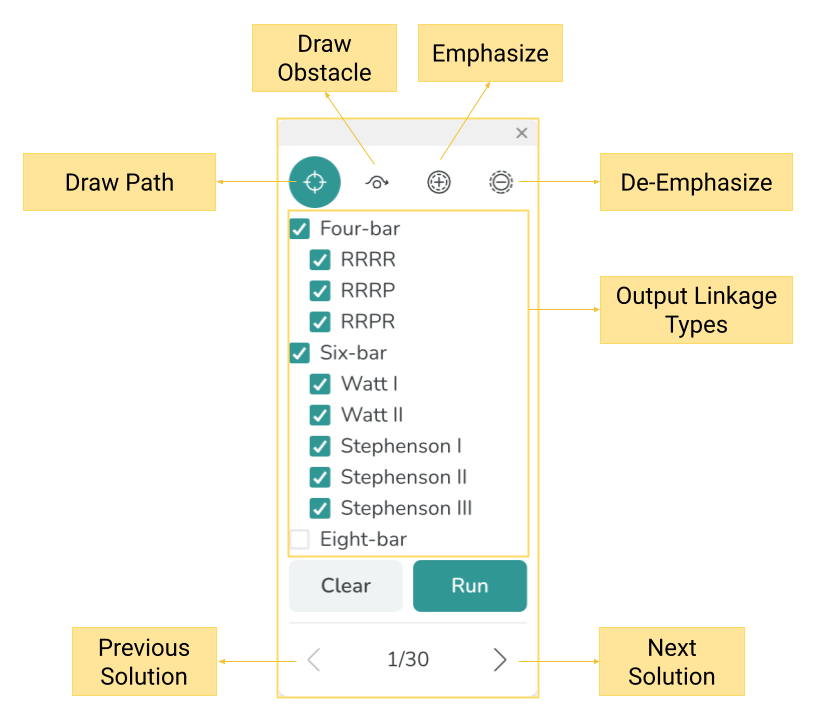
The Path Synthesis Panel
Synthesis with a Path
By drawing a path via Draw Path and pressing Run you can synthesize numerous solutions for a mechanism that follows that path.
Path Emphasis
While you can use Draw Path to synthesize mechanisms, you can also use the Emphasize and De-emphasize icons to control which part of the motion curve is important.