Hubs
Editor Hub
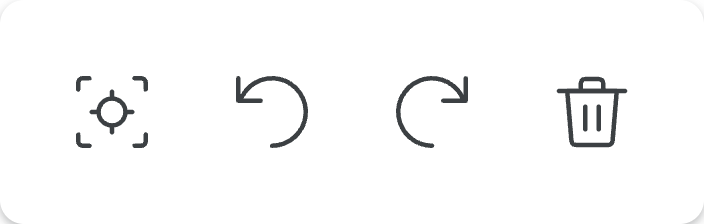
| Icon | Name | Description |
|---|---|---|
 | Reset View | Resets the view zoom to 0% and position to be centered at the origin. |
 | Undo | Undoes your last action such as removing the last drawn link. |
 | Redo | Forwards to the next action. For instance if you undo a link you had drawn you can press redo and draw that link again. |
 | Delete | Deletes everything on the screen if nothing is selected or selected item(s) if a selection is made. |
Player Hub
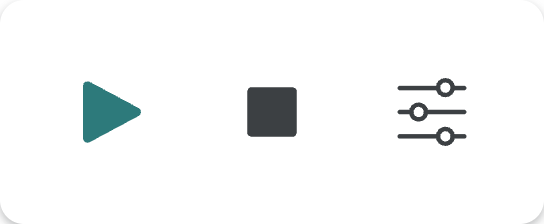
| Icon | Name | Description |
|---|---|---|
 | Play/Pause | Plays/pauses the animation of the mechanism along the selected options. |
 | Stop | Stops the animation and resets the mechanism’s position to the original one at the start of the animation. |
 | Open Player Sliders | Lets you open an additional menu to control each of the animation. |
Click the Open Player Sliders button opens an additional menu contains a list of silders, each row is shown as below:

| Icon | Name | Description |
|---|---|---|
 | Ground Link Label | Identifies which mechanism you are controlling. |
 | Reverse Animation Direction | Allows you to reverse the animation timer for this mechanism. |
 | Select Positive Time Animation | In order to show the complete curve of the mechanism, an animation may include negative and positive time represent forware and backward simulations. This button allows you to pick the positive anaimation time only. |
 | Animation Switch | Allows you to turn off the animation for this mechanism. |