Export
This option opens a dialog box that allows you to choose between different file types to export the mechanism in the canvas as. These file types include PDF, GIF, SVG, OBJ, and STL.
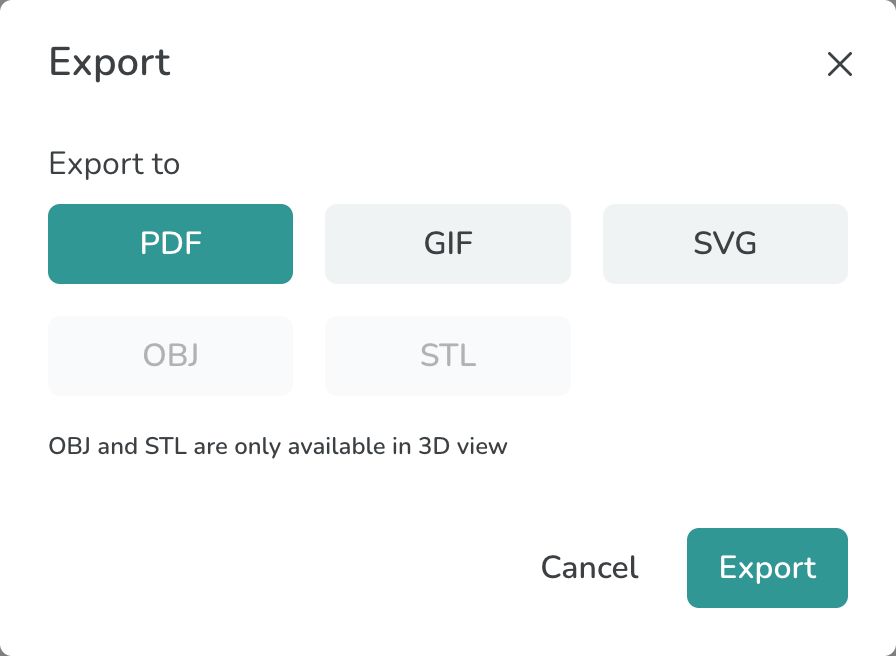
The Export Modal
PDF: The PDF option produces a multi-page report, which includes a screenshot of the mechanism and relevant mechanism parameters.
GIF: This option produces a high resolution animation of the mechanism, which can be added to documents or slides for presentation.
SVG: This option exports all links and shapes of the designed mechanism, which can be laser-cut. Other 2D manufacturing operations, such as water-jet can also be used to make parts from these designs. Typically, the SVG file would be opened in a compatible software like CorelDraw for laser-cutting.
STL and OBJ: This option exports link and shape geometries in ⅛” thickness so that the manufactured parts are compatible with the standard SnappyXO hardware. Generally, you will use these formats for 3D printing. This option is enabled only after you have examined the mechanism in the 3D view.