Menu Bar Interface
The menu bar on top of the interface enables you to create a new design, save an existing design, open a design, import svg and image files, export designs to GIF, PDF, SVG for laser-cutting, and OBJ and STL for 3D printing. You can also see example designs that we have created in the Library and change settings.
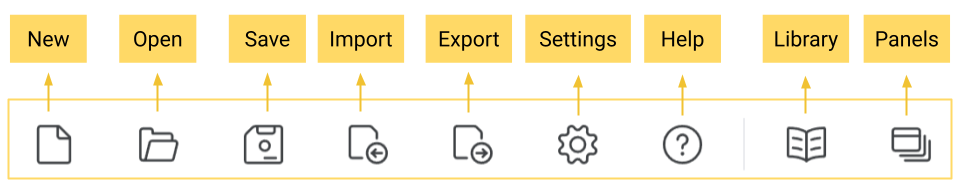
The Menu Bar Interface - Expand
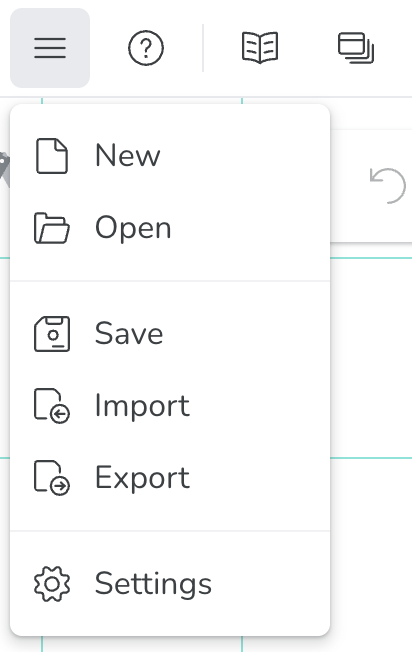
The Menu Bar Interface - Collapse
You should already know of the Panels menu through all the tutorials. Some options like New, Open, and Settings are self-explanatory. You choose New when you want to create a new design in a separate window; you choose Open when you want to open an existing MotionGen file stored on your computer or in the cloud, and you press Settings when you want to change simple options like snapping to the grid.