Import
This option opens a menu that allows you to choose between importing an image, such as PNG or JPG or SVG file inside the canvas. A bitmap image file can be used as a background image on top of which you can draw your mechanism, while an SVG (Scalable Vector Graphics) file contains a shape described by a mathematical function. The SVG files can be edited like native shapes in MotionGen and even combined with other shapes and links.
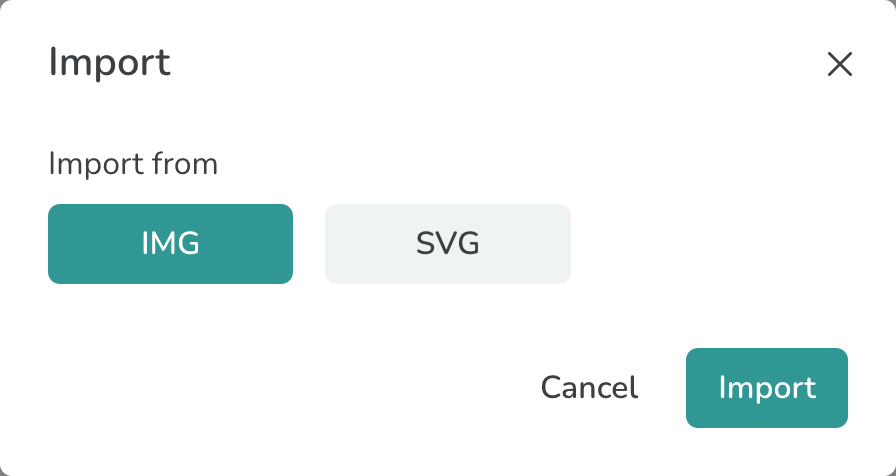
The Import Modal
The bitmap images can be also copied and pasted from the clipboard on the canvas by using the Ctrl+C and Ctrl+V option on Windows or similar strokes on Mac OS. The following animation begins by pasting an image from the clipboard.